Save the cards
On a phone: press and hold a card → “Save image”. Each card is a ready 1080×1920 PNG for stories and reels.
1/7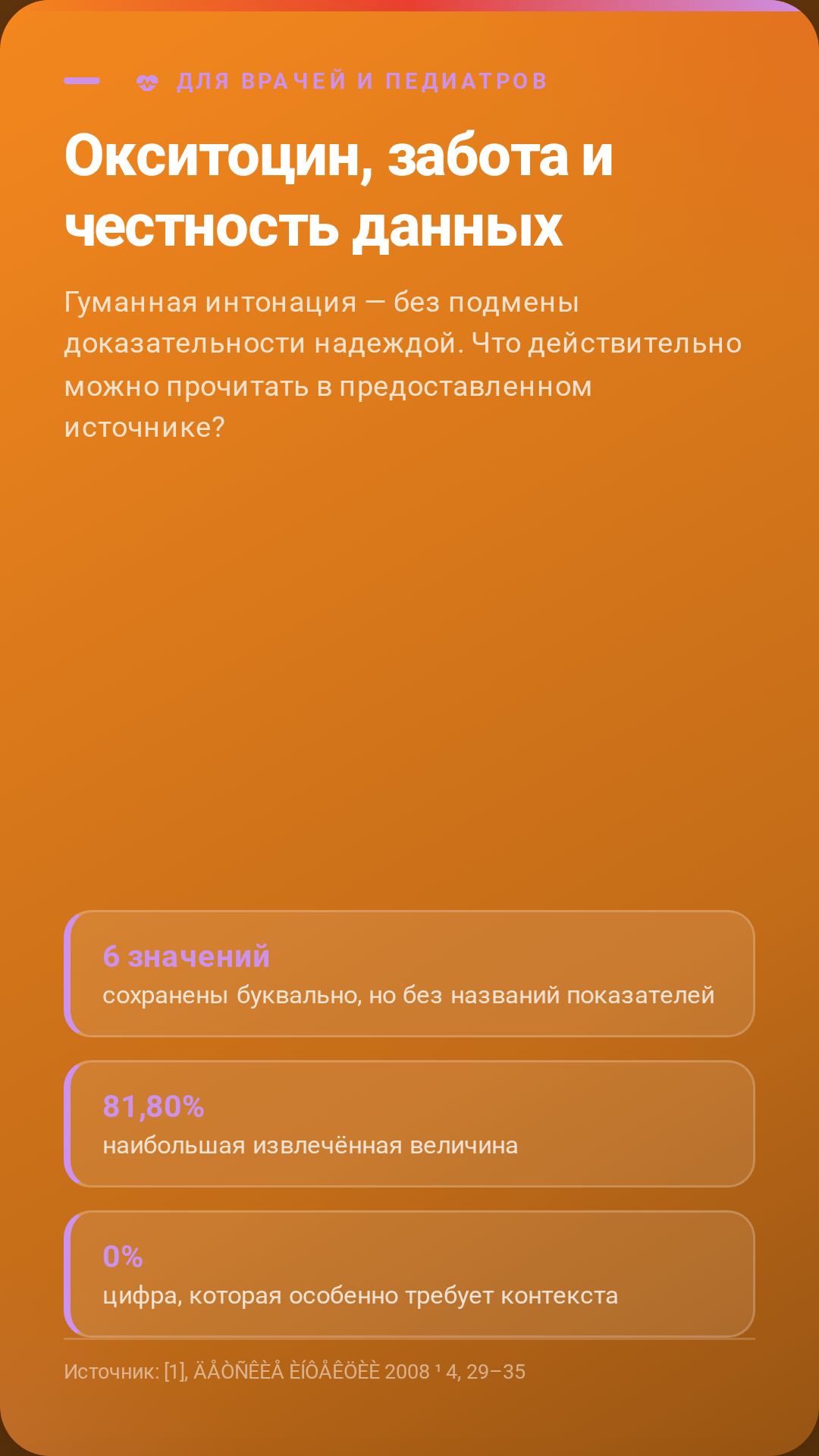
2/7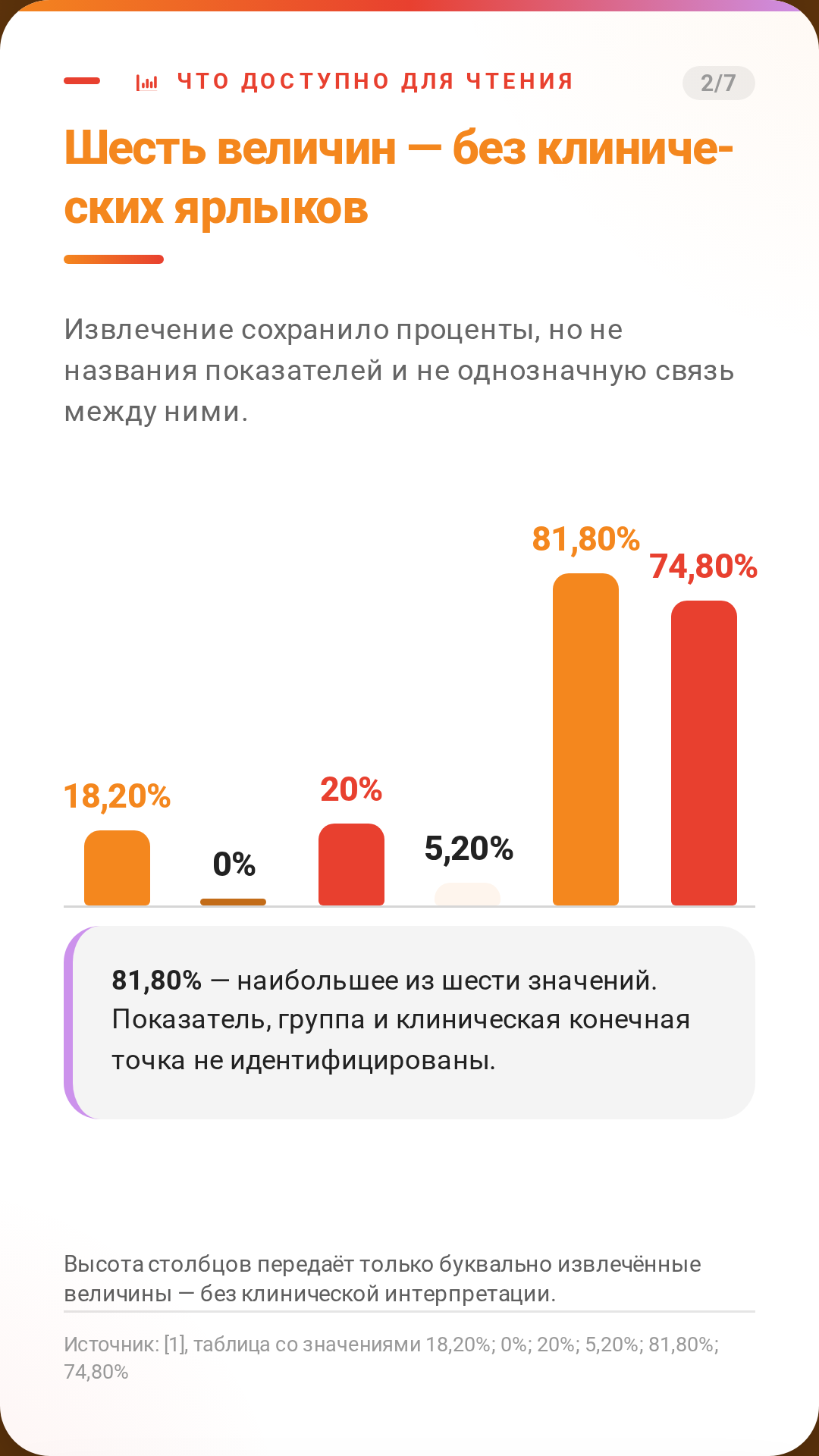
3/7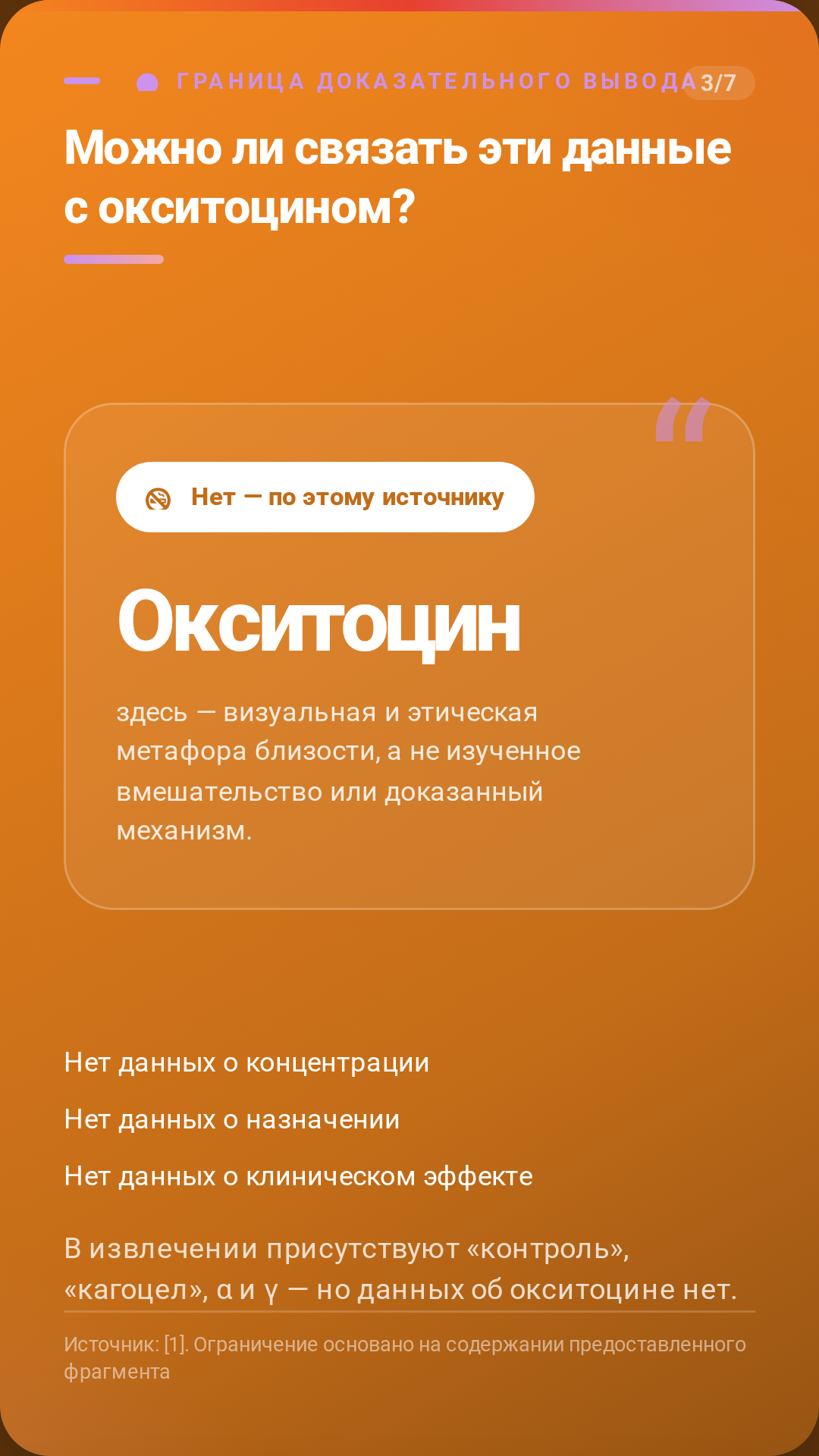
4/7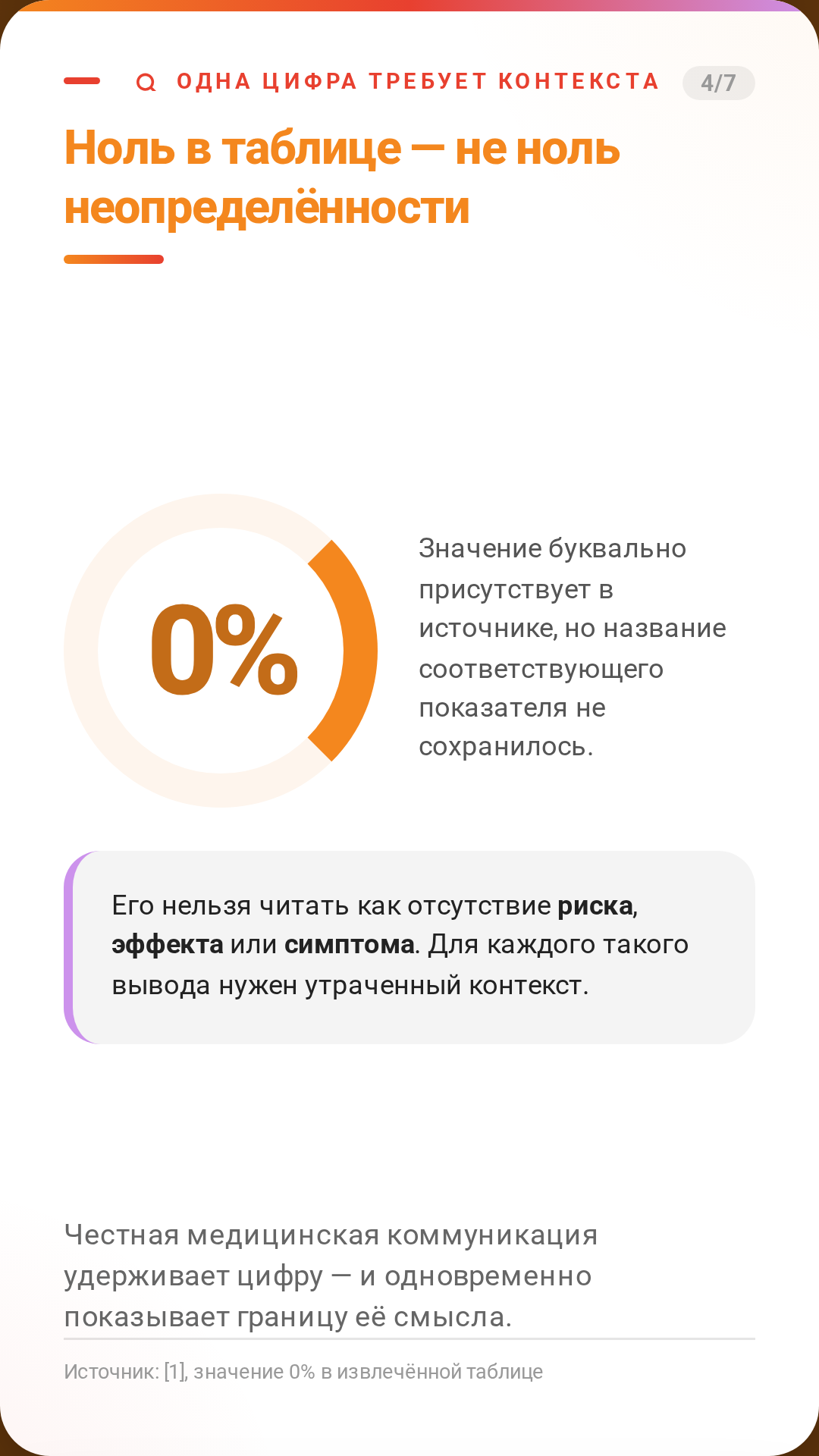
5/7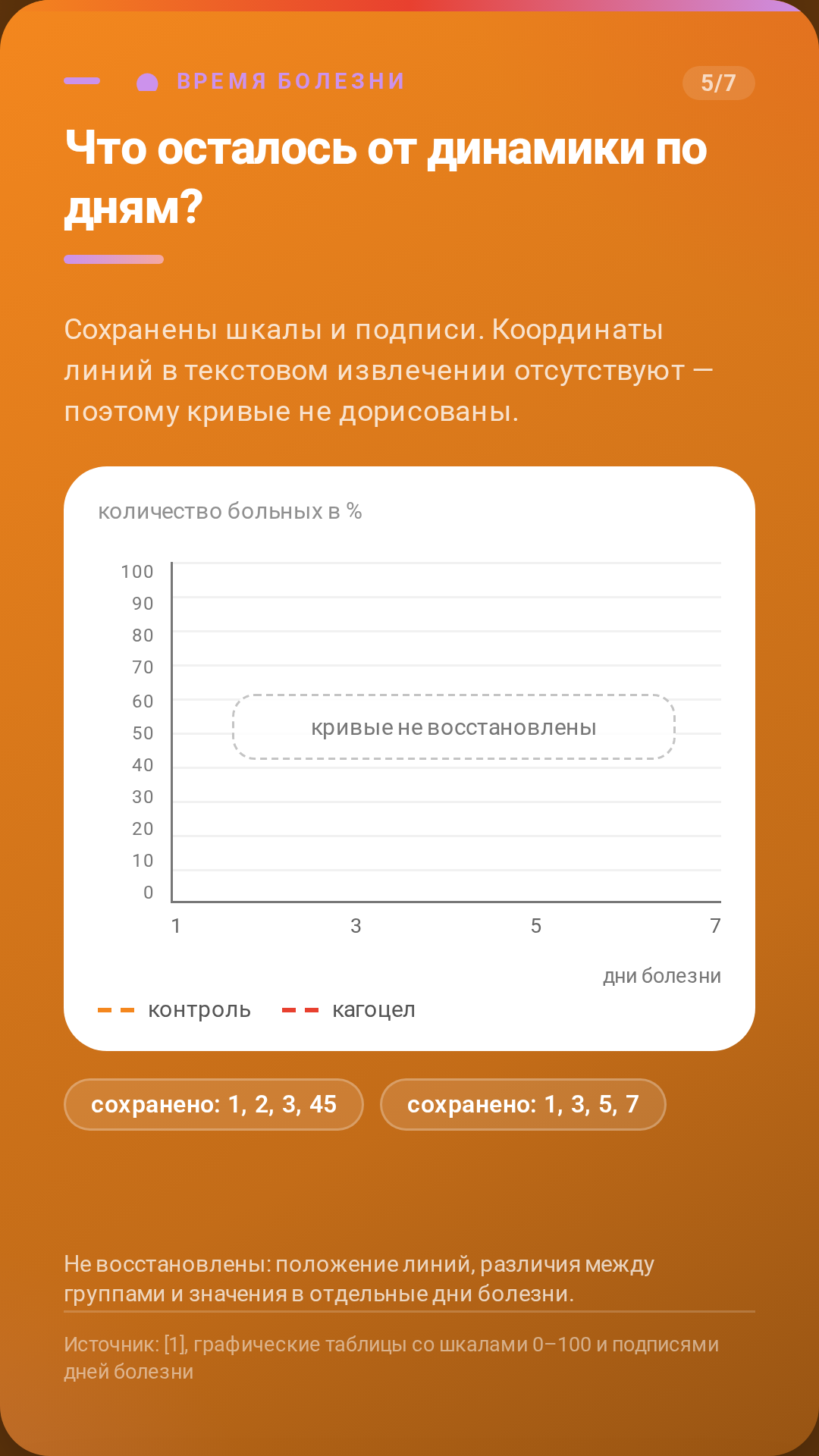
6/7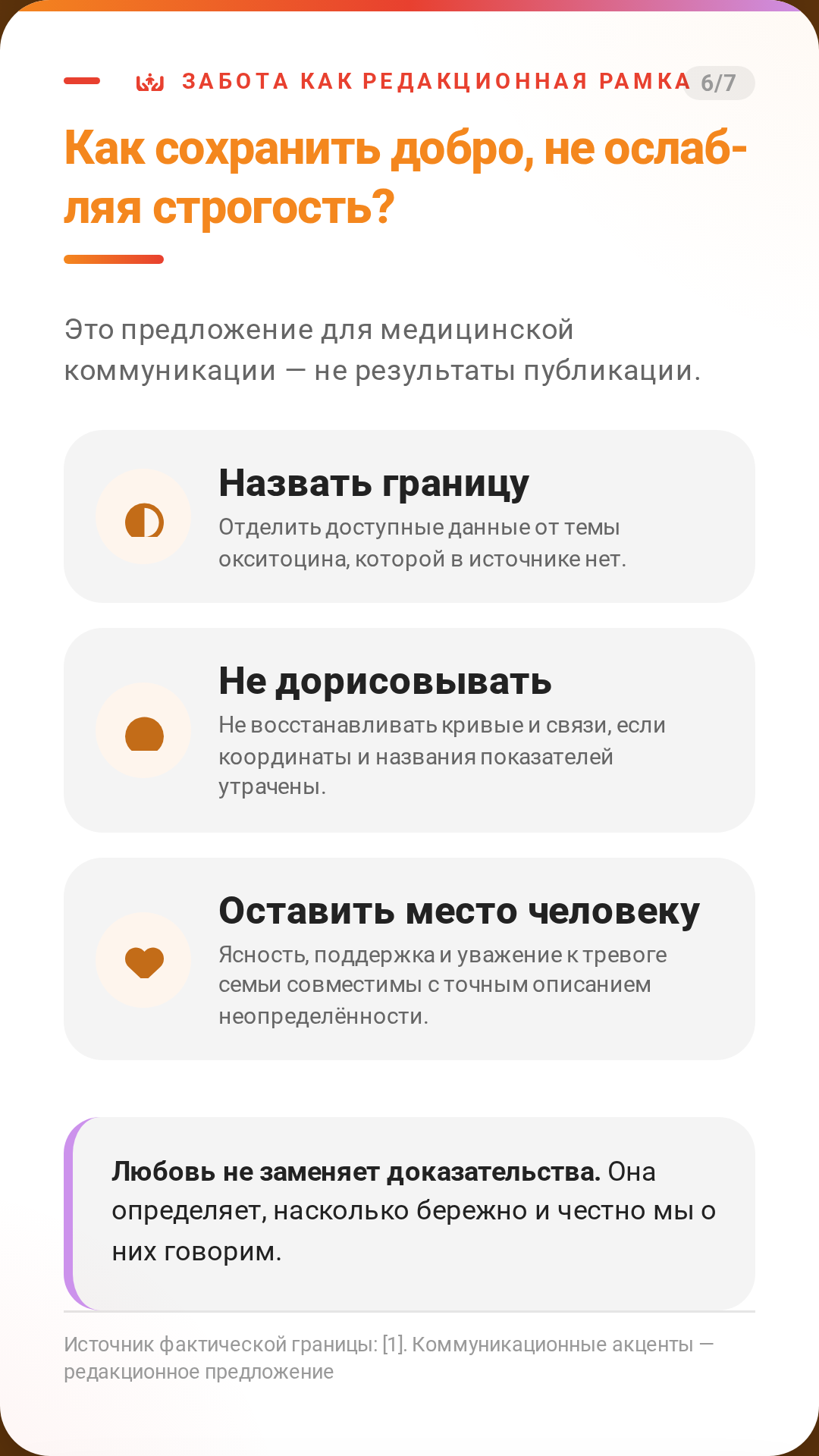
7/7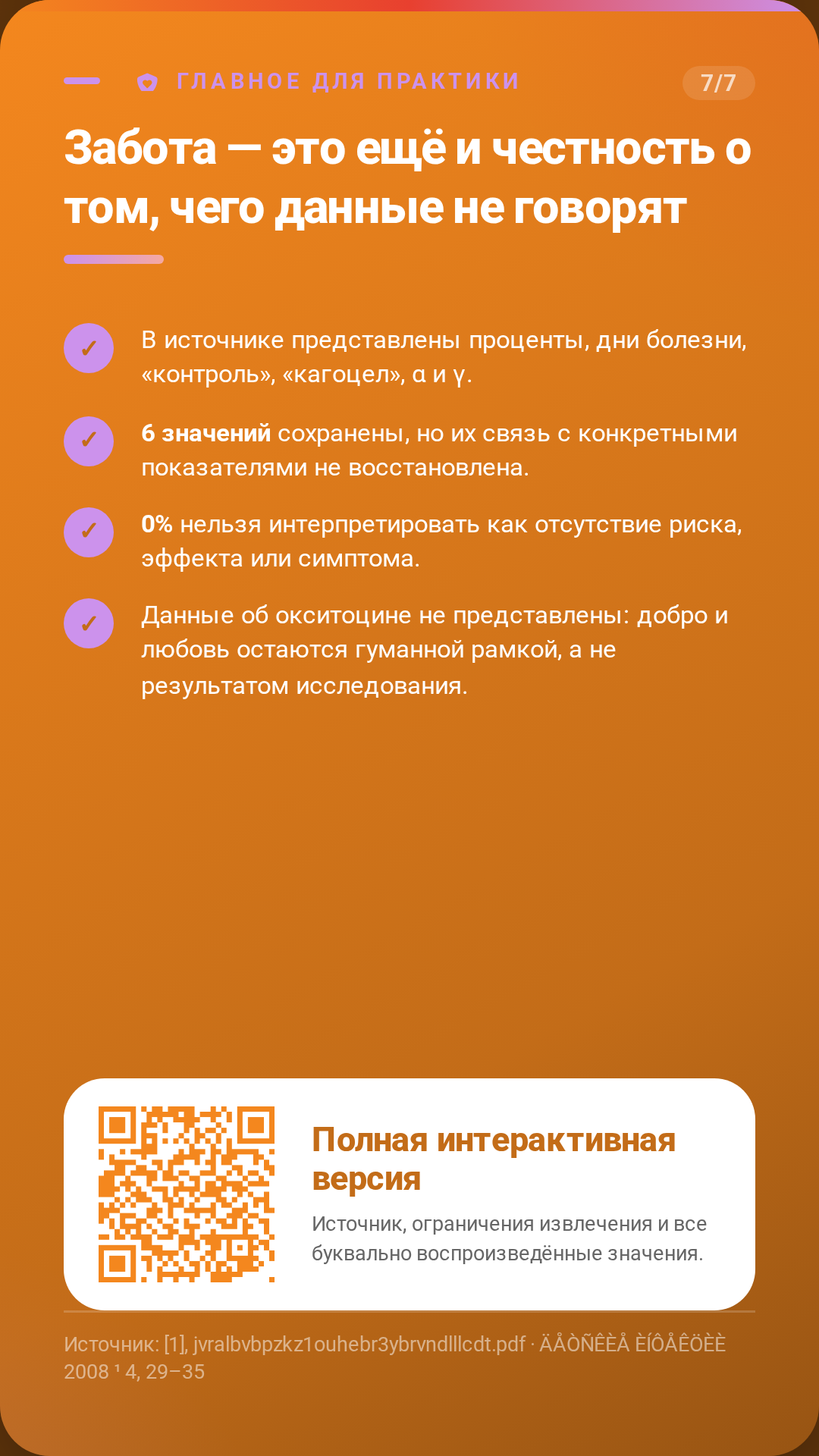
The PPTX opens in PowerPoint, Keynote and Canva: edit the text, numbers and colours, then export to images for the same 9:16 cards.
Import into Figma
1) In Figma open a design file → Cmd+/ → Plugins → “html.to.design” (‹div›RIOTS) → Run. 2) In the plugin choose the URL tab → paste the link below → Desktop viewport (~1660 px) → Import. Every card becomes its own frame: text stays editable text, charts become vector shapes, the QR imports as an image.
https://mdwrt.app/media/infographics/cards/ig_307/figma.html
👀 View Mode